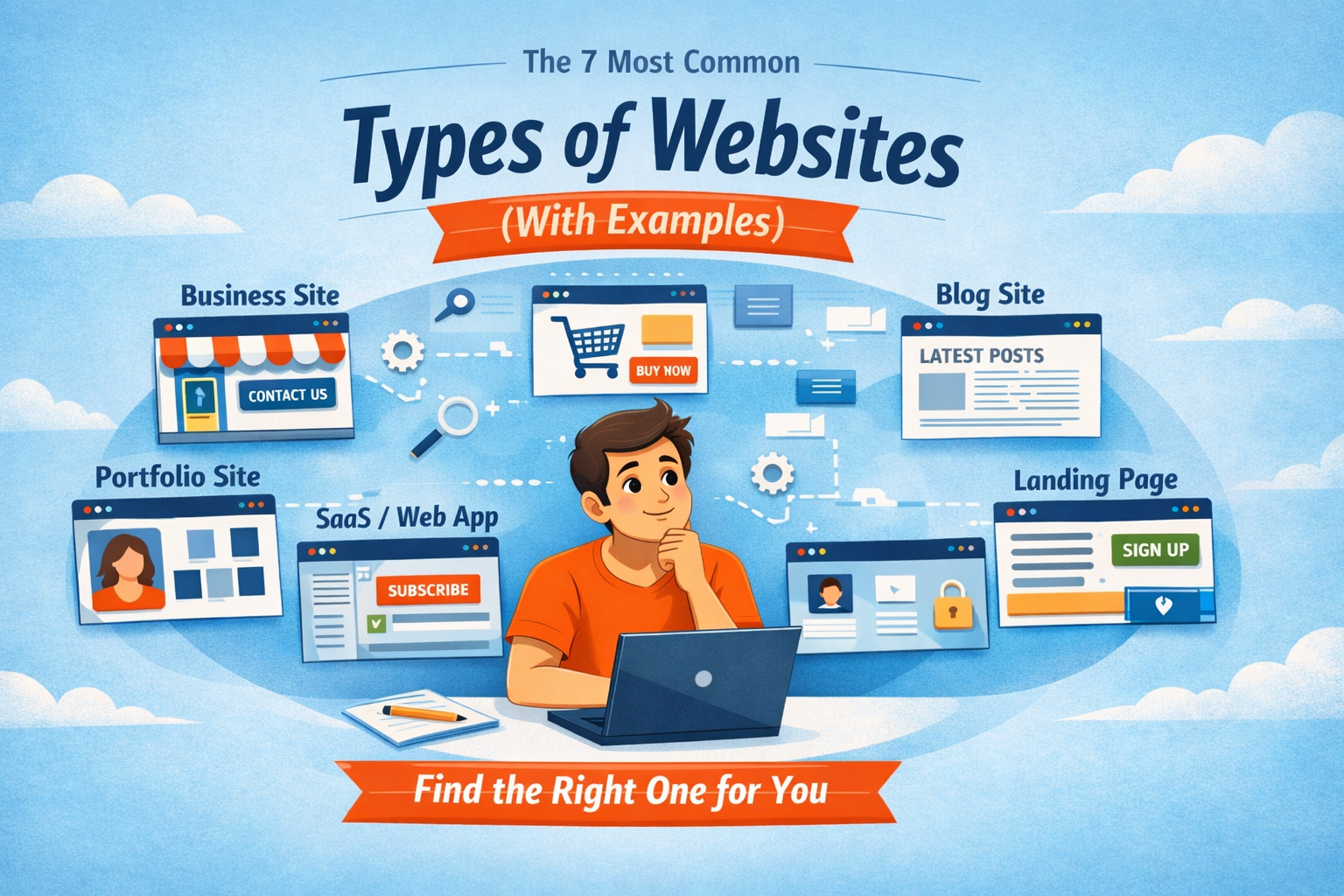
Alex messaged me with a line I’ve seen a hundred times: “I need a website.” No context. No goal. Just that one sentence, like a puzzle missing the picture on the box.
I’ve learned not to start with design. Because choosing a website is rarely a tech decision first, it’s a clarity decision. It’s about alignment: what you’re building, who it’s for, and what you want people to do when they arrive.
So I asked Alex one question: “What do you want people to do on your site?” And then we walked through the most common types of websites until the fog lifted.
1. Business Site
A business site or brochure is the classic professional presence website: it explains who you are, what you offer, and how to contact you, clearly and quickly. It’s best for local businesses, service providers, consultants, freelancers, and small teams who want to look credible and make it easy for clients to reach out.
In practice, it usually includes a strong homepage, an About page, one page per service, and a Contact page with a simple form, plus trust builders like testimonials, FAQs, and a clear call-to-action (CTA = the button you want people to click).
Think of brand sitesr PWC’s website as recognizable examples of the approach.
Quick SEO tip: create one dedicated page per service so Google (and humans) know exactly what you do.
2. E-commerce
An e-commerce is built to sell products online, which means it’s not just a website with pretty photos. It’s a system that handles browsing, cart, checkout, payments, and post-purchase emails.
It’s best for physical products (fashion, beauty, food, handmade goods) and digital products (templates, ebooks), especially when you’re ready to manage fulfillment, customer questions, returns, and policies. Key pieces usually include product pages, category pages, cart and checkout, shipping/returns pages, reviews, and payment options like Stripe or PayPal.
If you want a mental picture, think Amazon for complexity or Nike for a brand-led store experience.
Quick SEO tip: write unique product descriptions (not copied manufacturer text) so your products can rank and convert.
3. Blog
A blog is designed to publish articles regularly to educate, attract traffic over time, and build trust. So the website becomes a long-term asset rather than a one-time project.
It’s best for coaches, educators, creators, and businesses that want Google to bring them steady visitors by answering real questions.
The essentials are a blog homepage, categories, search, and an email signup so readers can stay connected.
Recognizable examples include The Times.
Quick SEO tip: write each post around one specific question and add internal links to help readers—and search engines follow the trail.
This is where Alex paused and said, “So a blog isn’t extra, it’s how people find you.” Exactly.
4. Portfolio
A portfolio or if you want a personal brand site is built to showcase you: your work, your story, and your credibility, so opportunities come to you instead of you chasing them. It’s best for designers, photographers, writers, consultants, speakers, and job seekers who need to prove skill, taste, and results.
The core pieces are case studies or project pages, a strong About page, an easy contact method, and social proof (testimonials, results, press, or recognizable clients if you have them).
Platforms like Behance and Dribbble aren’t “one person’s website,” but they’re recognizable examples of what portfolios look like and how work gets presented.
Quick SEO tip: name projects with searchable phrases (like “Brand identity for…” or “Website redesign for…”) so people can find you through what you’ve done.
5. Landing page
A landing page is a focused page (or a tiny set of pages) designed for one offer, one campaign, one goal, no distractions.
It’s best for launching a new service, promoting an event, testing an idea before building a full site, or sending ad/social traffic to one clear action. It usually includes a headline, benefits, proof, and a single CTA—often with a short form or a checkout—and minimal navigation so visitors don’t wander.
Apple product launch pages are great examples of “one page, one story,” and many Super Bowl campaign pages are classic brand microsites built around one moment.
6. Saas/Web app
A SaaS/Web App is a software product people use online; the public website is the front door, and the app (behind login) is the engine. It’s best for startups and teams building tools—dashboards, automation platforms, design tools, productivity systems—often with subscriptions.
Notion and Canva are recognizable examples: clear marketing site upfront, powerful product behind the scenes.
Alex laughed and clearly understand that he doesn’t need a SaaS. He needs something simpler. And that relief? That’s the point.
7. Community/Membership/Education
A Community/Membership/Education site gives people access to content, courses, or a community space, often behind a login and sometimes with paid tiers.
It’s best for coaches, trainers, educators, creators, and organizations that teach, support, or guide a group over time.
It typically includes a sales page (what members get), membership tiers, checkout, login, a structured content library (modules, lessons, resources), and automated emails (welcome, access, renewals).
KhanAcademy, Udemy, LinkedIn Learning are recognizable examples of membership-style ecosystems, even though the exact structure varies.
Conclusion
By the end of the explanation, Alex said: “I need a Brochure/Business Site first so people understand my offer and can contact me, and later, I’ll add a blog.